
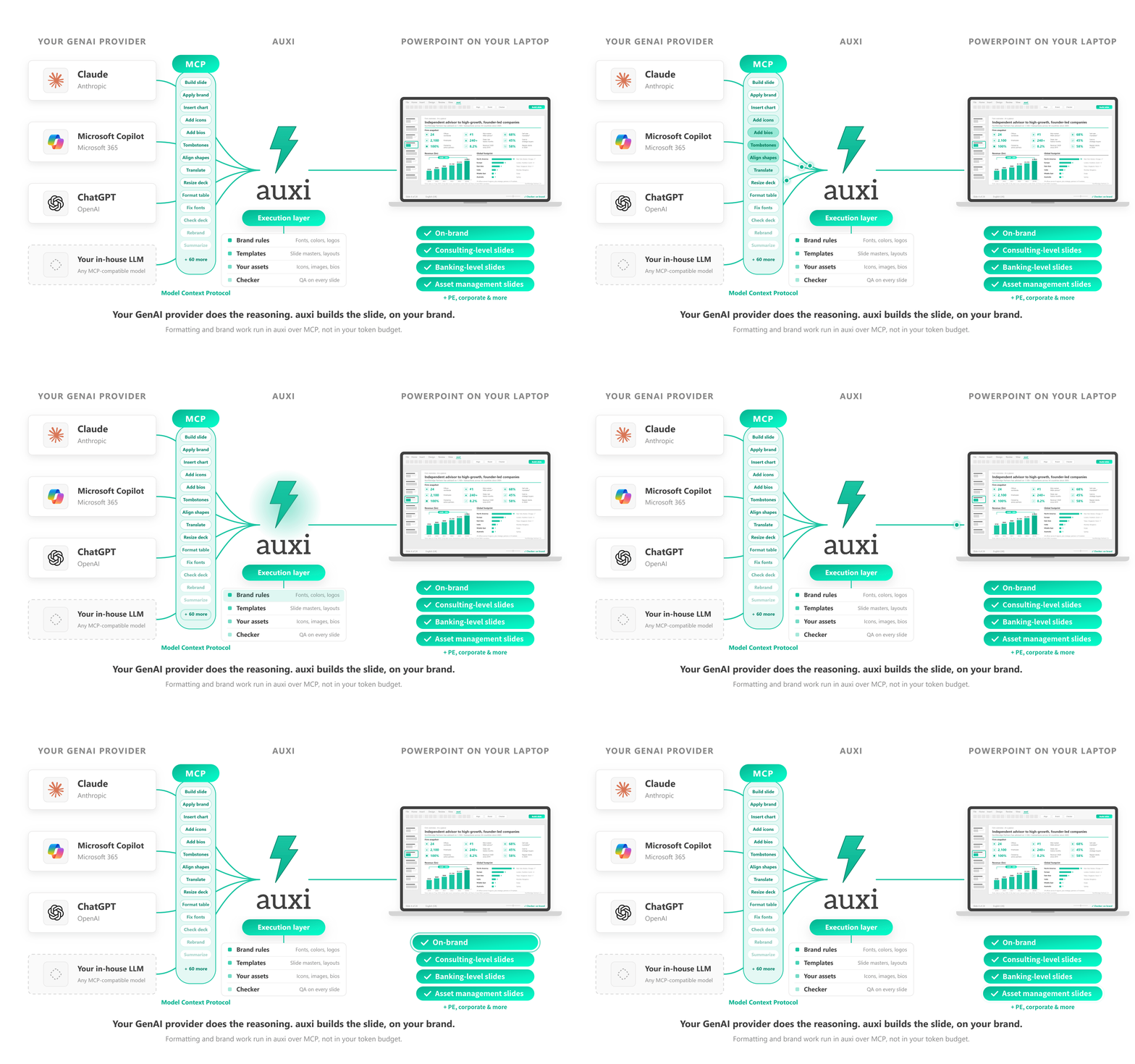














auxi is the AI-powered PowerPoint tool built for consulting firms, banks and capital markets. LLMs are brilliant at generating content, and they can make a fair guess at your brand. But a client-ready deck can't run on guesses.
That’s the value auxi adds to every AI-generated deck.
Chart types, shadows and corner radii have exactly one right answer. auxi applies them to every slide your AI generates.
auxi does that work itself, so your LLM spends its processing on the thinking that matters, and auxi takes care of the rest.
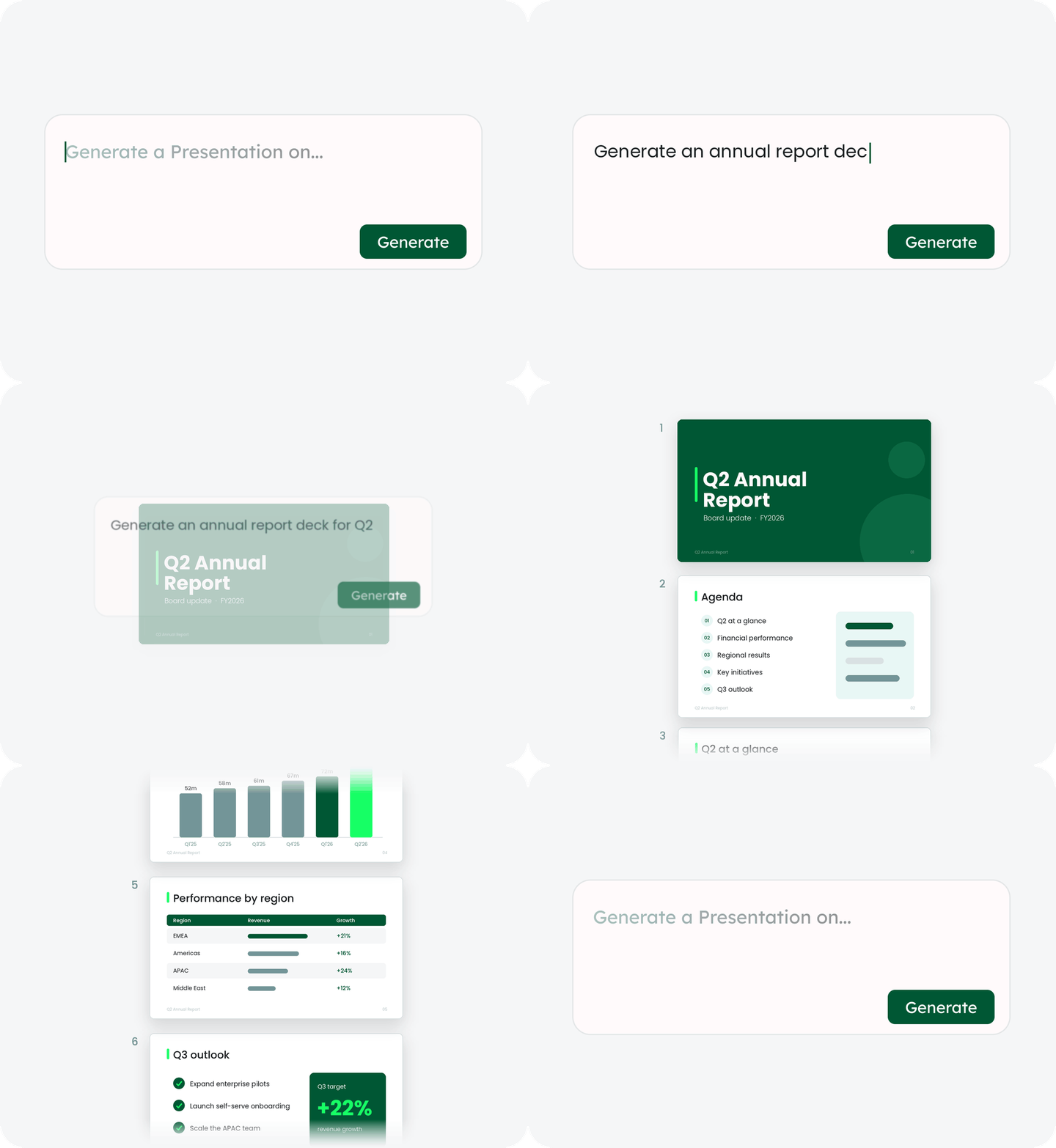
The same deterministic engine that enforces your brand on one slide builds whole documents. Give auxi a brief, an RFP or a past deck, and get back a structured, on-brand, client-ready file in minutes.
.png)
Go from kickoff to first draft in minutes. auxi builds the deck structure, storyline and slide flow from your firm's configurations and best practices, so your team spends its time on the strategy, not on slide building.
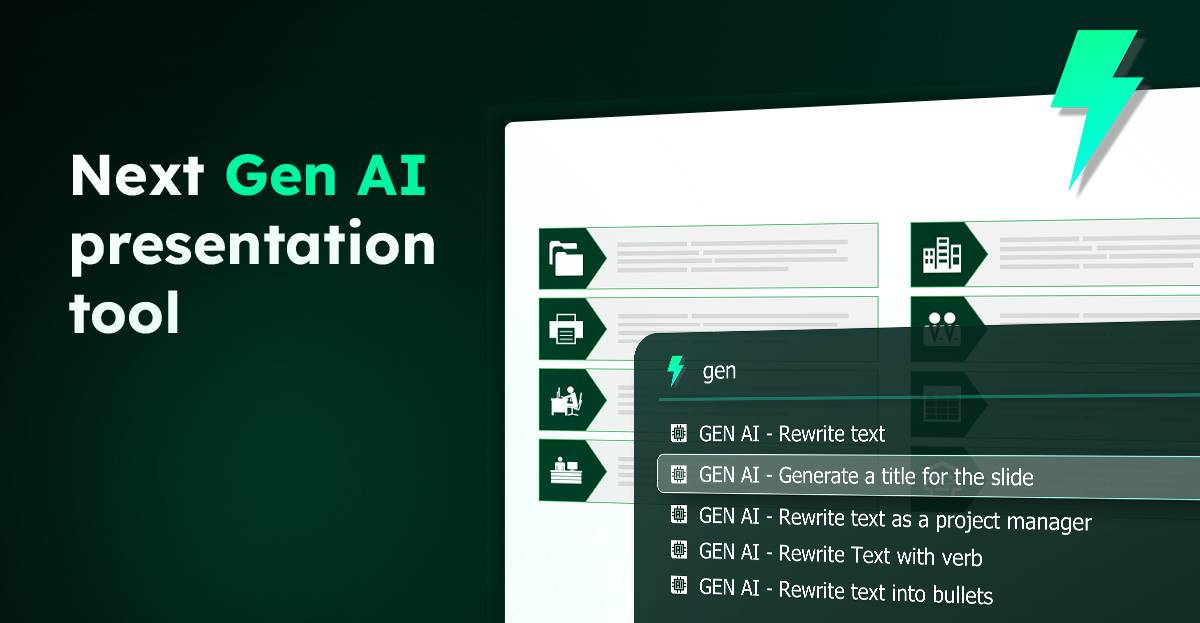
Generate entire decks and reports from a single prompt, without leaving PowerPoint. Tell auxi to write as a consultant or an investment banker, upload the source material, and get structured, editable, on-brand slides rather than a wall of text to reformat.
Want the full agent? Darwin adds automated deck building, deep research and super search on top, all compliant with your brand guidelines.
Generate, edit and translate decks within seconds. Draft content with your LLM and your own knowledge base, then let the auxi connector lay it out on polished, consistent slides at a fraction of the token cost.
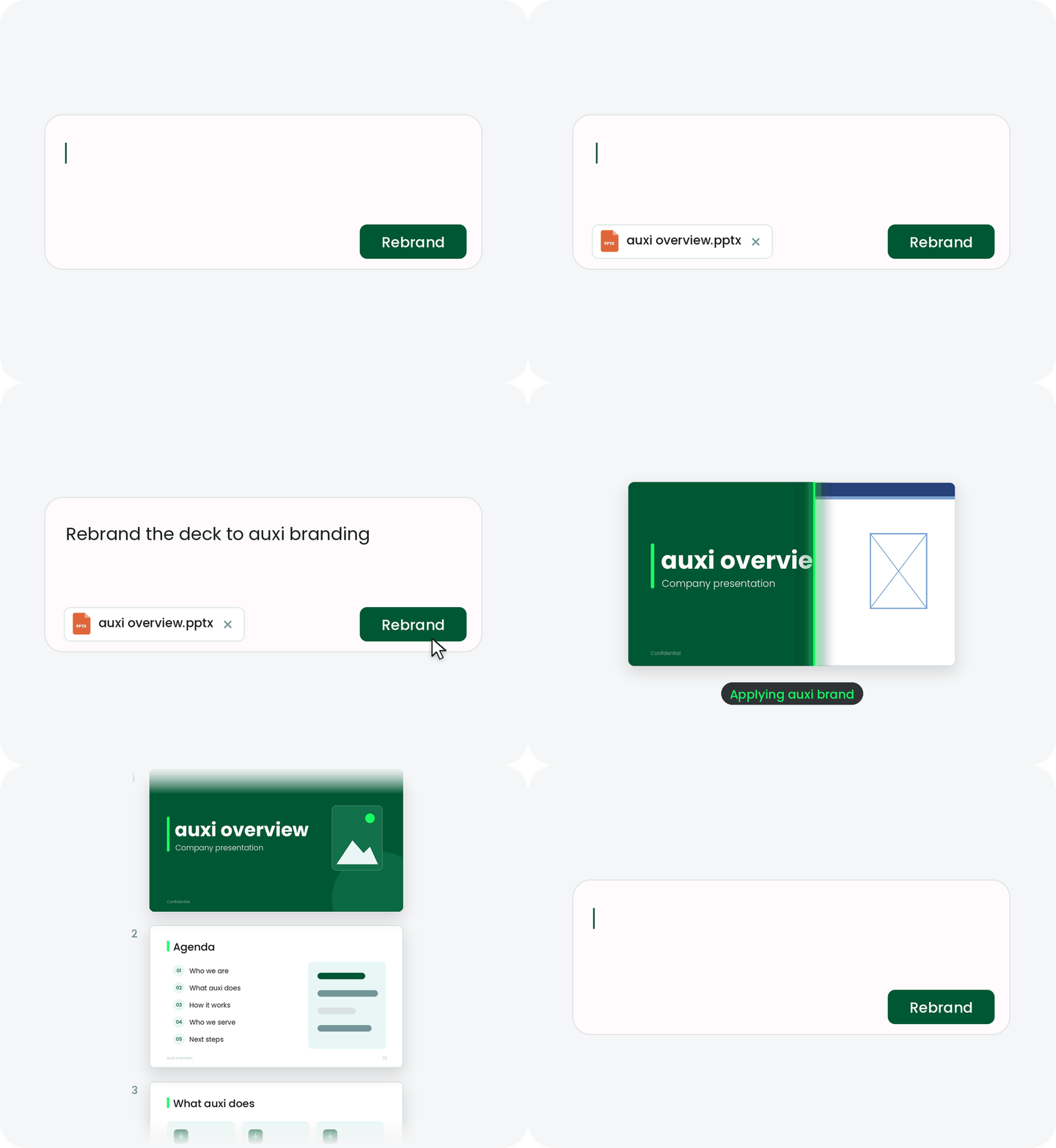
Overcome dependence on the design desk and ensure 100% brand compliance with auxi. Whether you want your decks to comply to your brand or your clients, switching is super easy.
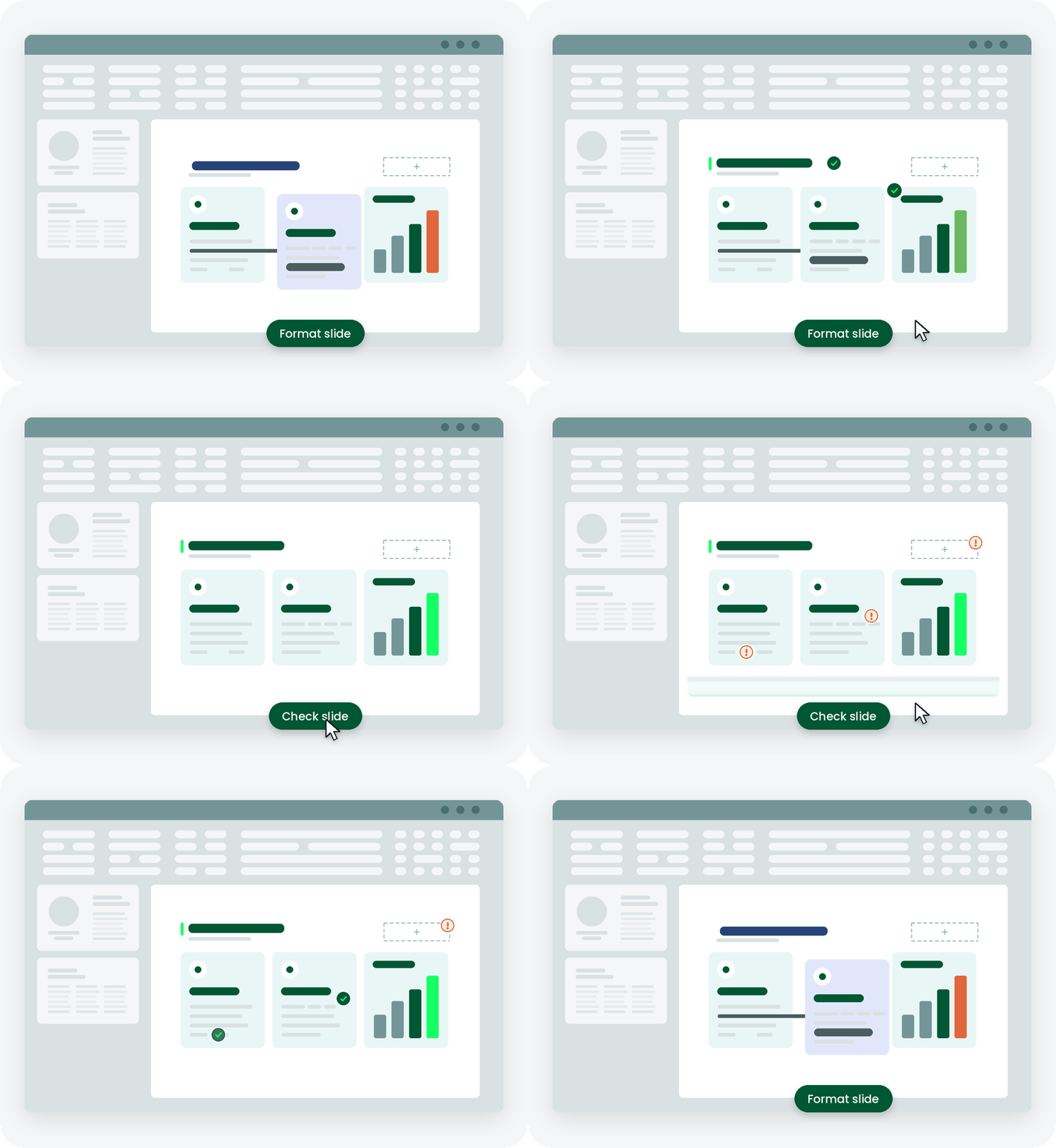
Built for productivity and speed. Transform the way you build decks with features that help you format, scan entire decks for errors and generate agendas and proposals from templates.
slides built on
auxi each month
top consulting
firms use auxi
enterprise companies
building slides with auxi

— Kate Aseltyne, Senior VP - Baird
We uphold rigorous security and compliance standards, confirmed by GDPR compliance and SOC 2 certification. Our platform's security measures include protection by SECTIGO and A+ scores in regular audits by external auditors like ASTRA, ensuring outstanding data protection and system integrity.

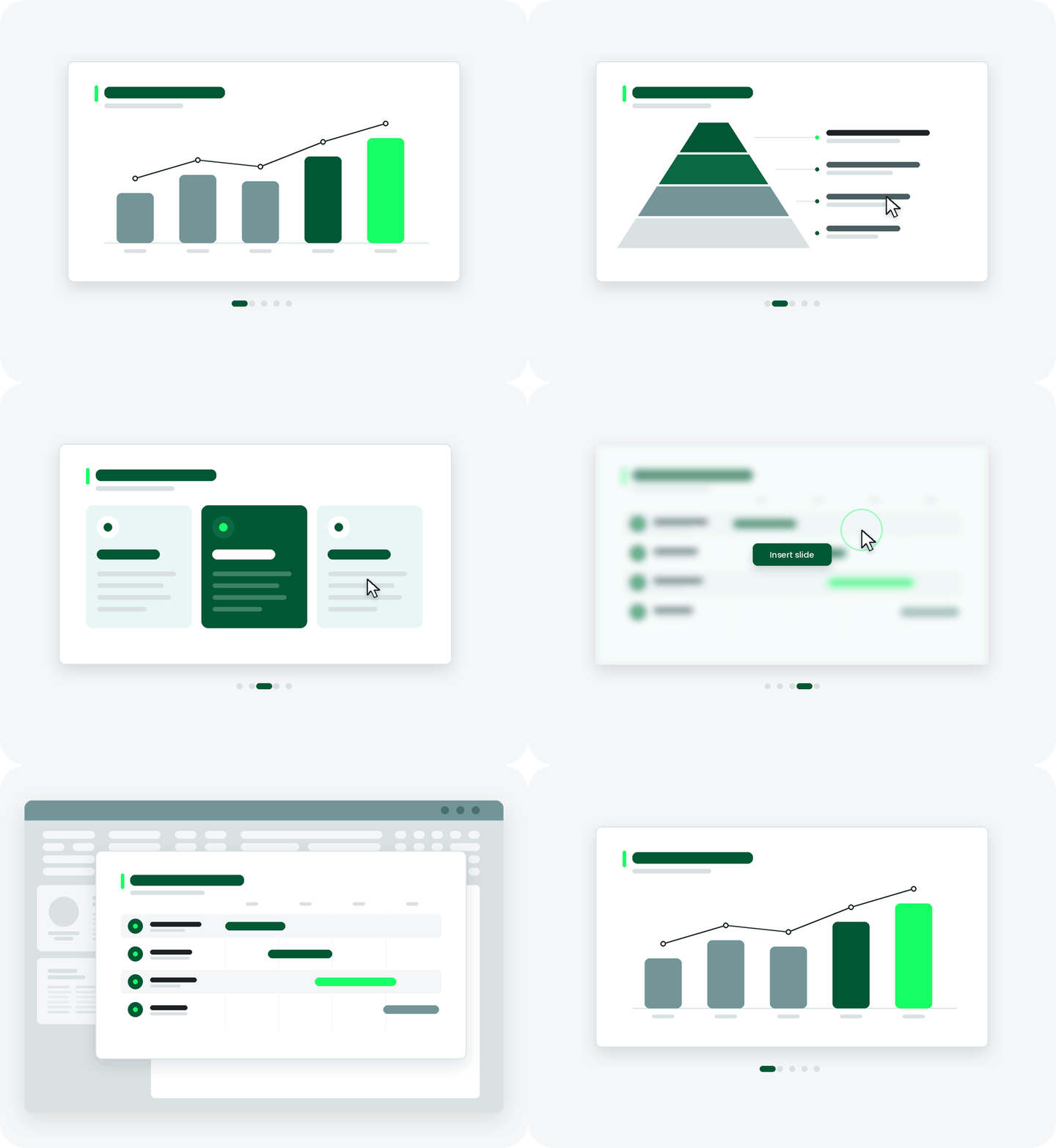
From charts to frameworks get a hold of 100s of templates to kick start your auxi journey. Our custom-built templates help you make creation within PowerPoint efficient and quick.
What is auxi?

auxi is a PowerPoint add-in that helps users automate the creation of presentations. It uses artificial intelligence (AI) and machine learning (ML) algorithms to help users create high-quality presentations quickly and easily.
What are the system requirements for auxi?
auxi is designed to work with Microsoft PowerPoint on Windows and MacOS. It requires PowerPoint 2016 or later and an internet connection to use some of its features.
Can I use auxi on multiple devices?
Fortunately, you won't need to deactivate the auxi license on your current computer because we support up to two devices for each license!
What is the difference between the pro plan and enterprise plan?
auxi’s Pro Plan is designed for solo consultants and small professional services firms seeking to enhance productivity. With the Pro Plan, you gain access to all primary productivity features. In contrast, auxi’s Enterprise Plan is tailored for larger firms, offering enhanced AI capabilities, expanded cloud storage, and dedicated support.
Get a personalized demo and learn more about auxi today!
Schedule a Demo